
Using Wixie as a replacement for Jamboard
If you are concerned about the end of life of Jamboard, consider Wixie! Wixie makes it easy to create Jamboard-style activities while adding creative, collaborative, and engaging elements to your classroom.
Designed for both students and teachers, Wixie supports the creation, collaboration, and sharing of learning in dynamic new ways. Here is why Wixie works:
Creative tools
Jamboard offered both drawing and text tools. Wixie includes these tools, and offers a full suite of creative features that empower students to express themselves in unique and meaningful ways:
- Drawing tools with customizable brushes and colors
- Text features, including editable speech bubbles and linking
- Image editing and layering
- Audio and video recording for interactive storytelling
- Access to over 3,000 pre-made activities and templates
- And so much more!
These tools enable students to brainstorm and engage in digital storytelling, creative problem-solving, and rich multimedia projects.
Wixie also includes a Mind Map tool that makes it easy to brainstorm ideas and organize information. Use the Mind Map tool to have students showcase information as cycles and timelines or to generate ideas so they can design solutions for authentic problems in their school or community.
Real-time collaboration
Wixie allows for live collaboration. Students can work together on the same canvas, brainstorm ideas, and build projects in real time. You can easily monitor contributions and guide the process, ensuring productive group work. You simply add students to the activity, and students can start working.
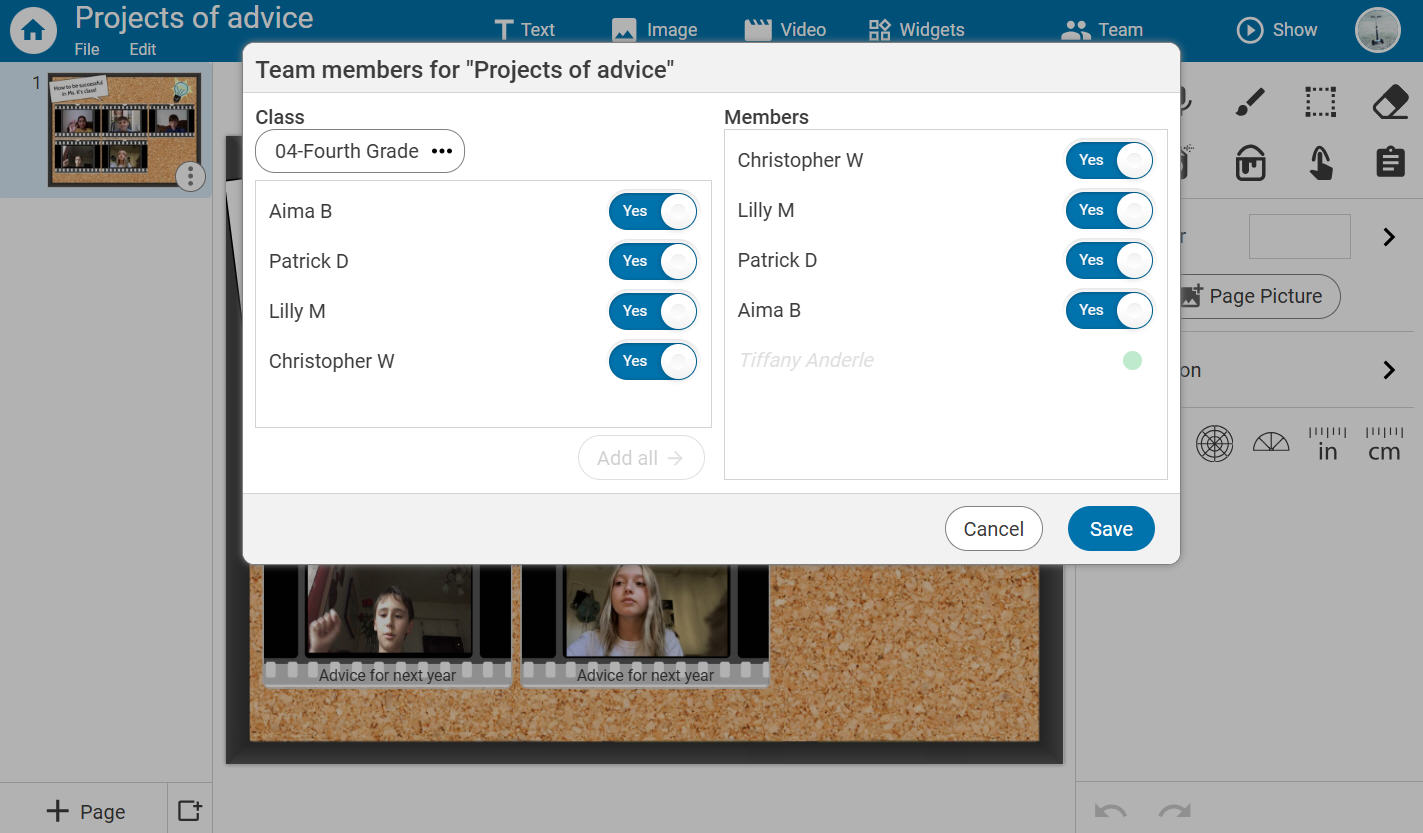
Depending on your school or district, teachers can even create team projects with other students from another class or school.
Versatility for all subjects
Wixie’s flexibility makes it an excellent choice for all content areas. From math to social studies, you’ll find templates and resources to enrich learning in every subject. Users can also take advantage of activities designed specifically for student collaboration.
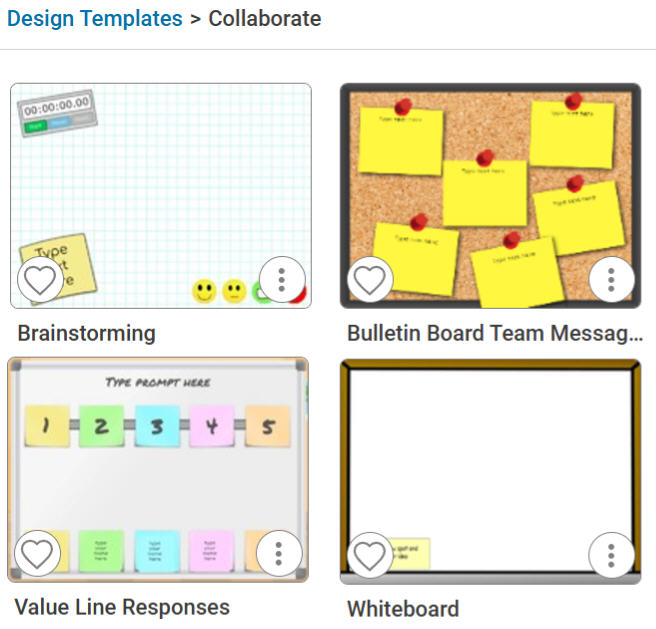
Here are some ways to integrate Wixie into your curriculum:
- Math: Solve problems visually with digital manipulatives.
- ELA: Create interactive storyboards or book reports.
- Science: Diagram systems and record observations with images and text.
- Social Studies: Design timelines, maps, or digital field trips.
How to Use Wixie Like Jamboard
Trying something new can feel overwhelming, but Wixie makes it easy. Here are some ways to replicate (and enhance) your favorite Jamboard activities:
Brainstorming sessions
Use Wixie’s collaborative features to create interactive brainstorming sessions. Students can add text, images, drawings, and audio notes using talkies (animated talking stickers) to share ideas.
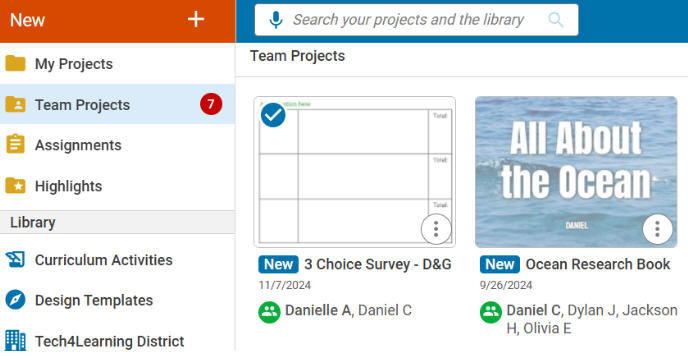
To do this, open the Whiteboard Template and use the Teams button to add your students to the activity. Students will see the notification on their Wixie dashboard that they have a new team project.
Morning meetings
Bring creativity and engagement to your morning meetings! Plus, modeling Wixie during morning meetings teaches students to use the tool without extra lessons!
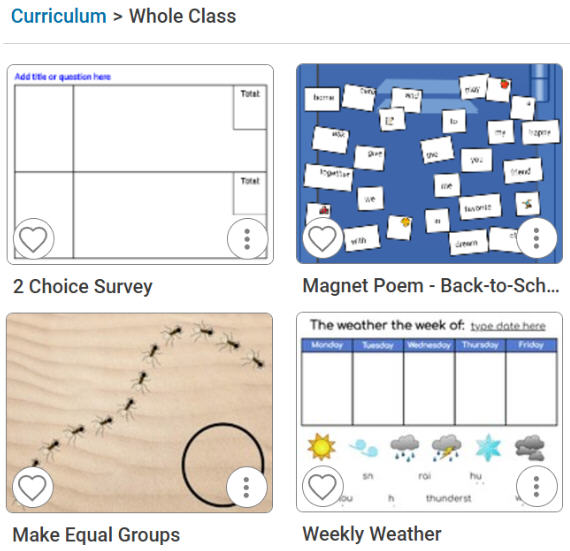
Incorporate Wixie into your morning meeting with:
- Cluster brainstorming to gather ideas on topics like kindness or goals.
- Morning messages and SEL check-ins.
- Practicing core skills like fixing sentences or reviewing math facts.
- Conducting surveys or daily polls.
- Fun prompts like “If you had a superpower, what would it be?”
Interactive whiteboard
You can even replace Jamboard’s whiteboard by using Wixie’s blank canvas, making it easy to draw, write, and collaborate in real-time to explain concepts, solve problems, or create visual aids.
Yes, the door has closed for Jamboard, but the door is still open to many of the same possibilities with Wixie. Wixie includes many of the best features of Jamboard and enhances them with powerful creative tools, broad compatibility, and endless possibilities for interactive learning.
 Effective Integration
 Instructional Design
 Learning Strategies
 Literacy
 Month-by-Month
 Product Ideas
 STEM/STEAM
 Share and Showcase
 Updates
 User Management