
You can print all the pages in your project.
Click the File menu next to the Home button.

Click Print from the menu list.
You will see the Print dialog.
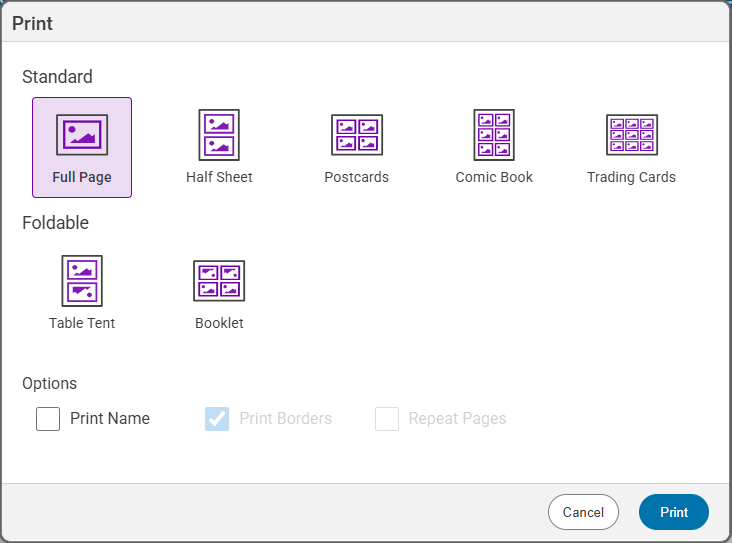
If you have more than one page, you can print multiple pages on one sheet of paper.
Click Print from the menu list.
You will see the Print dialog.
Click the layout you want to print.
If you want to print your name on the paper, click the Print name check box when the Full Page layout is selected.
Click the Print button.
The project will print.
The project will print.