
Teachers can add instructions to a project they want to assign to students.
Each page can have unique instructions. Instructions can also include URLs to link students to more information online.
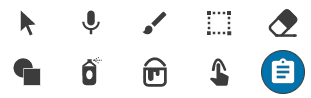
Click the Instructions button on the tool palette.
You will see the Instructions panel.
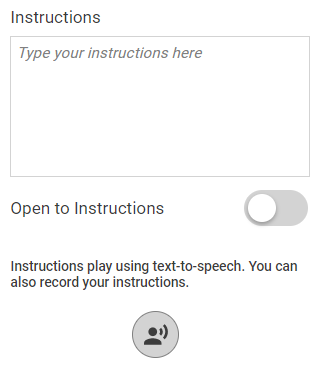
Type the instructions in the field.
Copy and paste a URL into the field if you want to send students to a web site for research or more information. Note: The URL will be active when students view the assigned file, but will remain editable in the teacher account.
To have the project show the Instructions panel when it opens, click the Open to Instructions switch.

Students can use text-to-speech to hear the written instructions.
To have the project show the Instructions panel when it opens, click the Open to Instructions switch.
Students can use text-to-speech to hear the written instructions.
To record oral instructions in your voice, click the Record button
If this is the first time you have recorded sound in this session, you will see a security dialog.
Allow Wixie to access the microphone.
Record your instructions.
Click the stop recording button.
If this is the first time you have recorded sound in this session, you will see a security dialog.
Allow Wixie to access the microphone.
Record your instructions.
Click the stop recording button.