
You can add photos from Pics4Learning to a project.
Click the Image button on the toolbar.

You will see the Choose an image dialog.
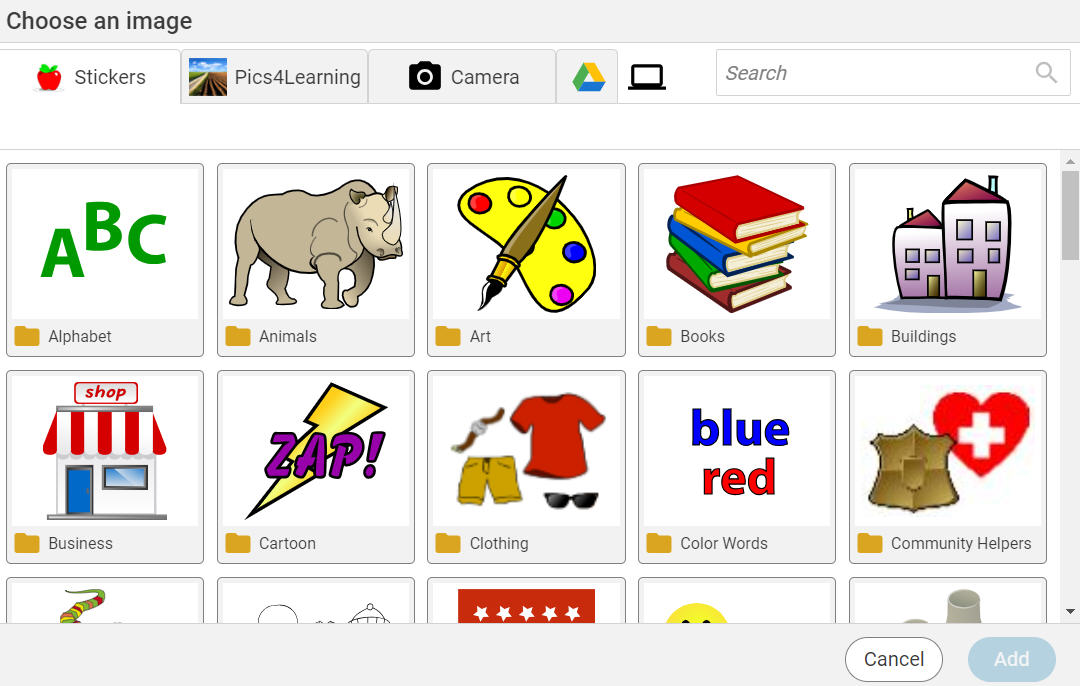
Click the Pics4Learning button.

You will see categories of images.
Click a folder to open it.
You will see all of the images.
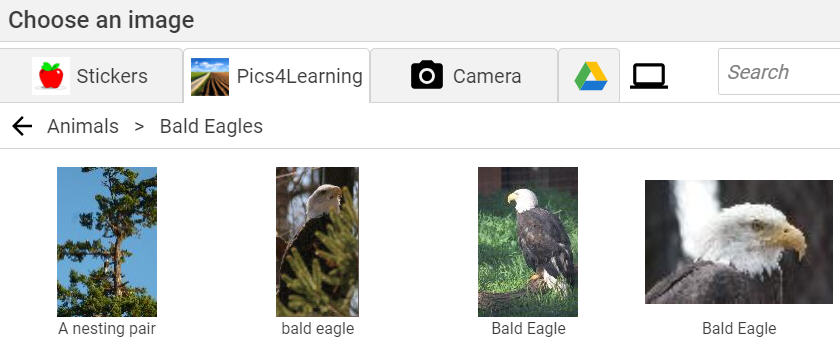
Click a photo to select it.
Click the Add button.
The image will be added to the page.
You will see the Choose an image dialog.
Click the Pics4Learning button.
You will see categories of images.
Click a folder to open it.
You will see all of the images.
Click a photo to select it.
Click the Add button.
The image will be added to the page.