
You can work on a project with other students and teachers.
Open the project you want to share.
Click the Team button on the toolbar.

You will see the Team Members dialog.
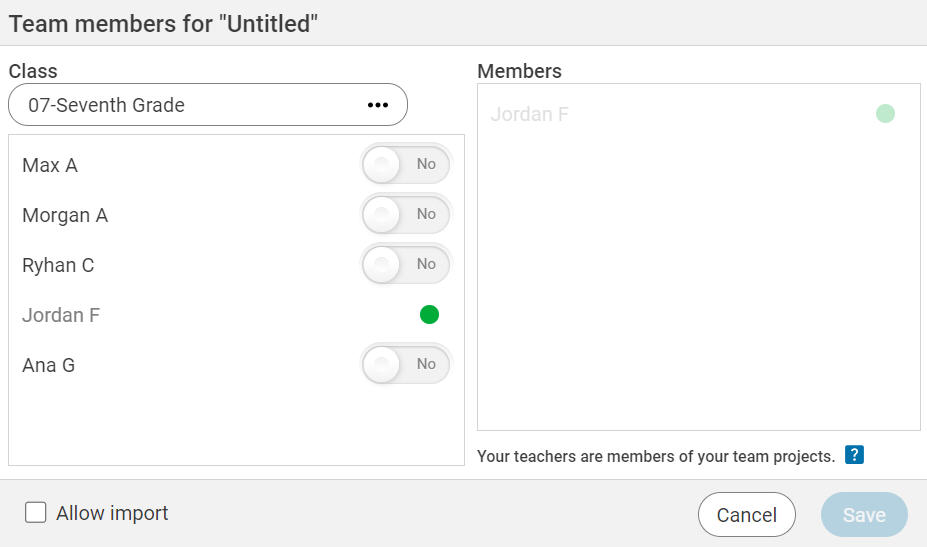
Click the switches for the students you want to work on the project.
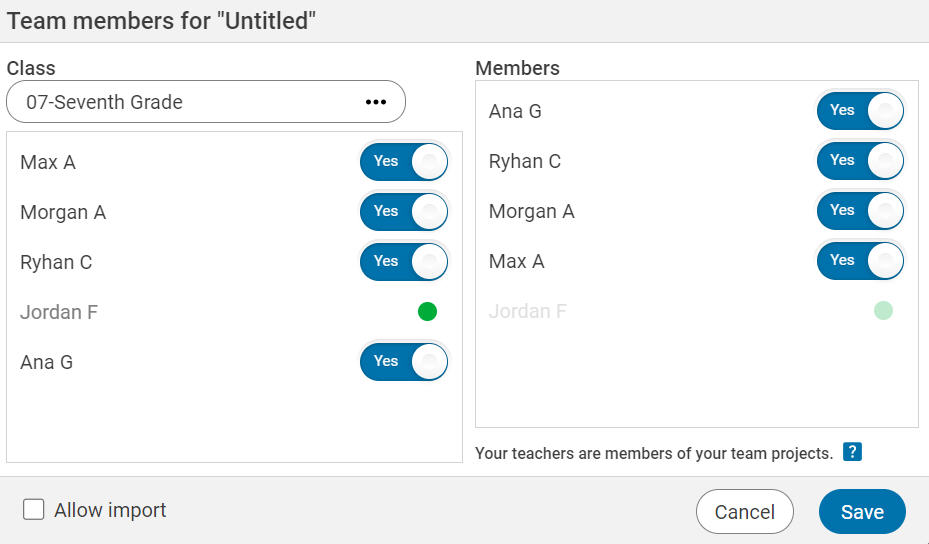
Click the Save button.
Click the Team button on the toolbar.
You will see the Team Members dialog.
Click the switches for the students you want to work on the project.
Click the Save button.
The selected students will see the project in their Team Projects folder and be able to open and edit the project.
Note: Your teachers are members of your team project. Do not put anything in this project you would not want your teacher to see. Seriously.