
You can add a link to a web site to text.
Click a text object.
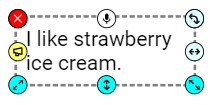
You will see the Text options panel.
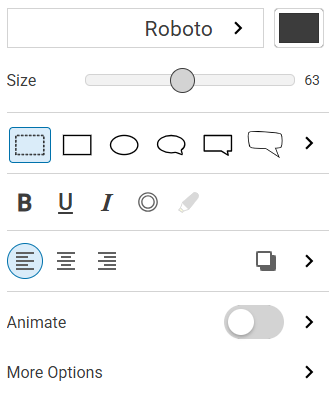
Click the button for More Options.

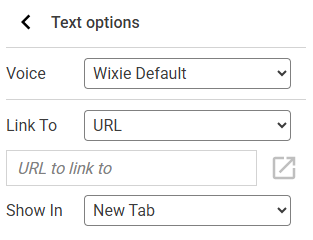
You will see the Text options panel.
You will see more text options.
Use the Link To pull-down menu to link to a different page in your project or to a web page.
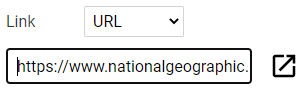
If linking to a web site, add the link in the box provided.
When someone is looking at your project, clicking the link will open the web page.