
You can change or add ALT text to an image.
This will change the tool tip that shows when the mouse is on the image, the text that is read by a screen reader, and what is said when the user clicks the speaker icon for the image.
Add and select the image you want to change.
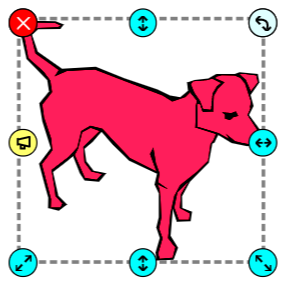
Go to the File menu, choose Edit, and select Edit Alt Text.
You will see the Edit the Alt Text dialog.
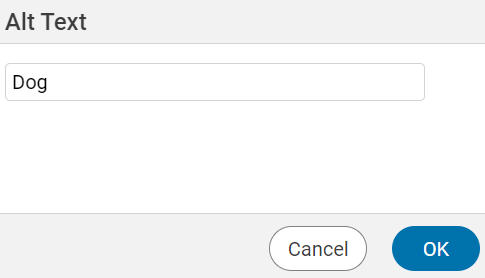
Type in the text you’d like to change.
Click the OK button.
Click the speaker icon and Wixie’s Text to Speech tool will read the new text.