
Your Showcase is a way to collect and share projects you have created or compiled from student work.
To add your own project or a class book you have compiled to your Showcase, find it in your My Projects folder.
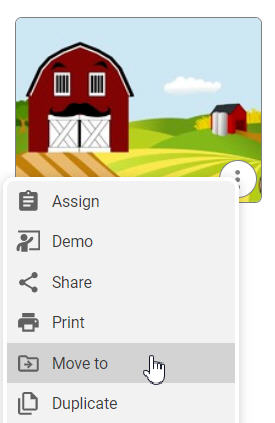
Select the three more dots on the project and choose Move to.
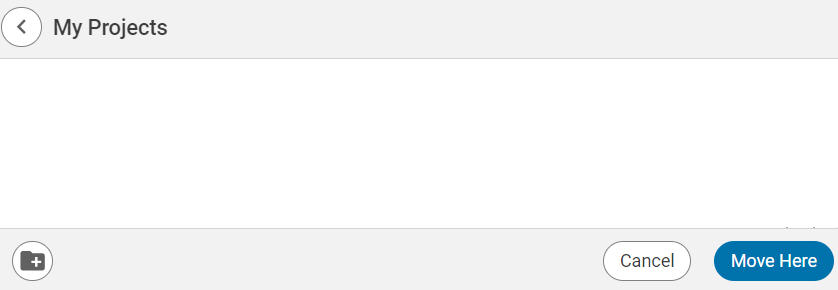
You will see the contents of your My Projects folder. Use the left arrow at the top to move up a level.
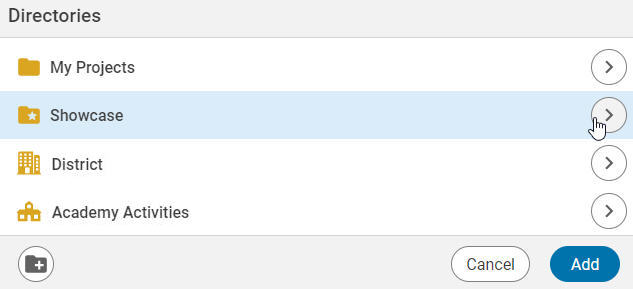
Select the Showcase folder to save into your showcase.
Select the right arrow to move the project to a specific folder you have created in your Showcase.