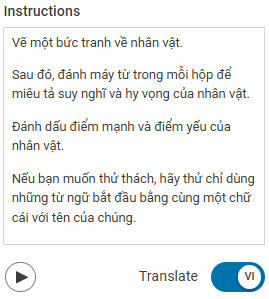
You can set the language that a student can translate project instructions into.
Visit your Profile Icon and choose Settings.
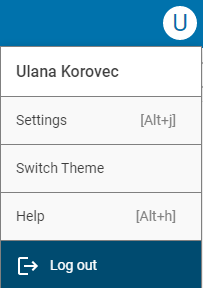
You will see your Wixie settings.
Choose My Students.
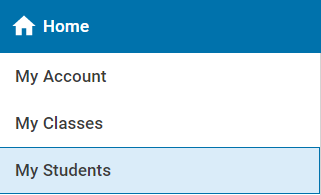
You will see a list of students in your class.
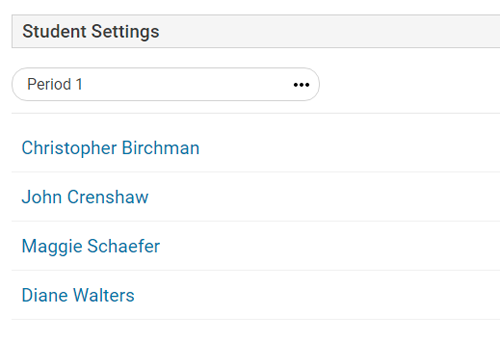
If you have more than one class, click the class name at the top to choose the class with the student you want to set.
Click the name of the student.
You will see the settings for this student.

Click the Translate To button.
You will see a dialog with a list of available languages.
Choose the language you want to for this student.
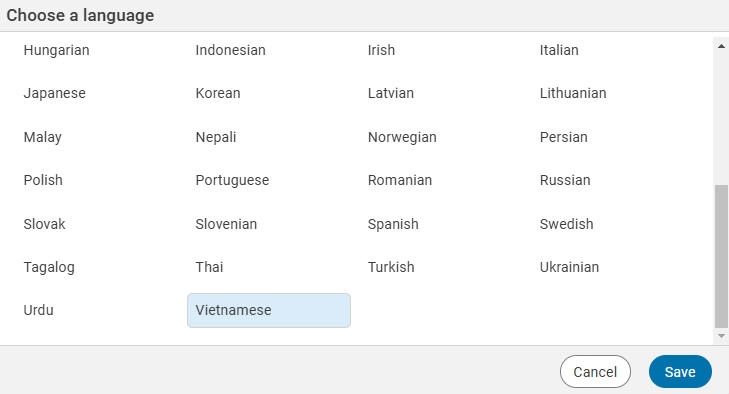
Click the Save button.
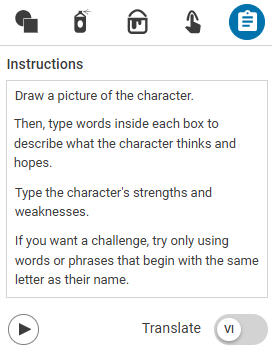
When they turn the switch on, the text in the instructions panel will translate into the selected language.