
You can create teams of students to work on an assignment together.
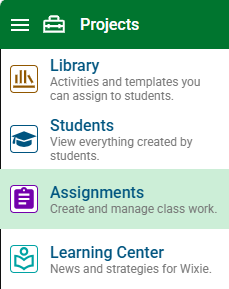
Click the main menu and choose Assignments.
Click the Create assignment button.
At the assignment type dialog, select a blank project, or choose a template.
At the new assignment dialog, click the Assign to pull-down menu and choose Teams.

Click the Create Team button.
You will see a list of your students.
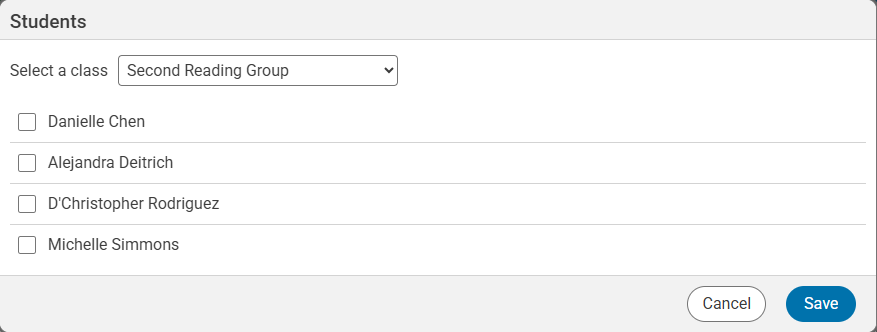
Click the check boxes for the students in the first team.
Click the Save button.
You will see the team added to the assignment.
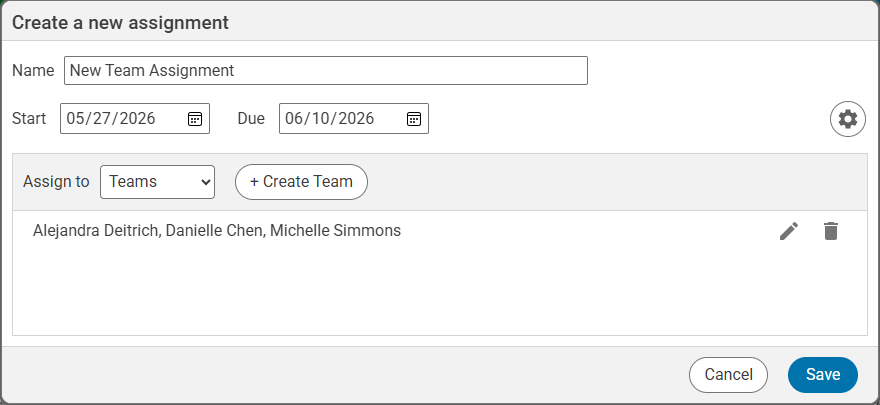
Click the Create Team button to create another team.
Add all of the teams to the assignment.
Click the Save button when you are finished creating the assignment.